
LearnDash allows you to collect assignment submissions for both lessons and topics. With the Assignment Deadlines Pro for LearnDash plugin, you can enhance this functionality by setting deadlines for those assignments. This helps manage student progress more effectively and ensures timely submissions.
Follow the steps below to create a lesson or topic in LearnDash and enable assignment deadlines:
Step 1: Create a Lesson
- In your WordPress dashboard, go to LearnDash LMS → Lessons → Add New.
- Enter the lesson title and content as needed.
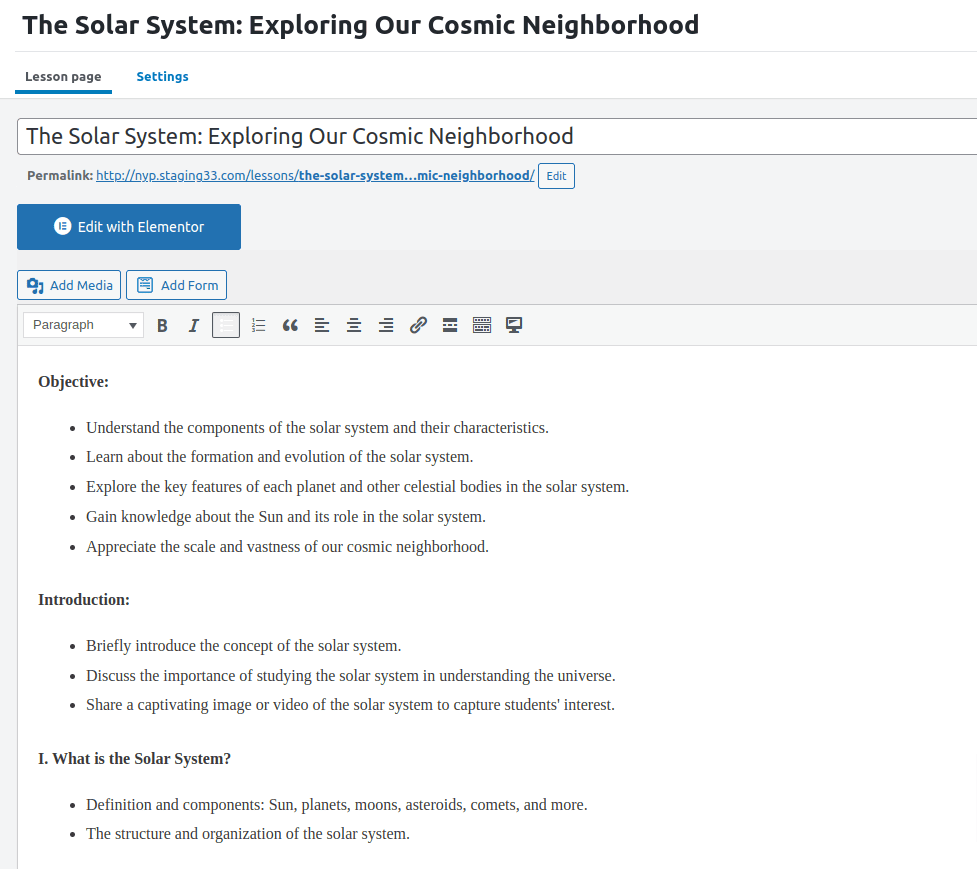
- Click Publish once you’re ready to save the lesson.
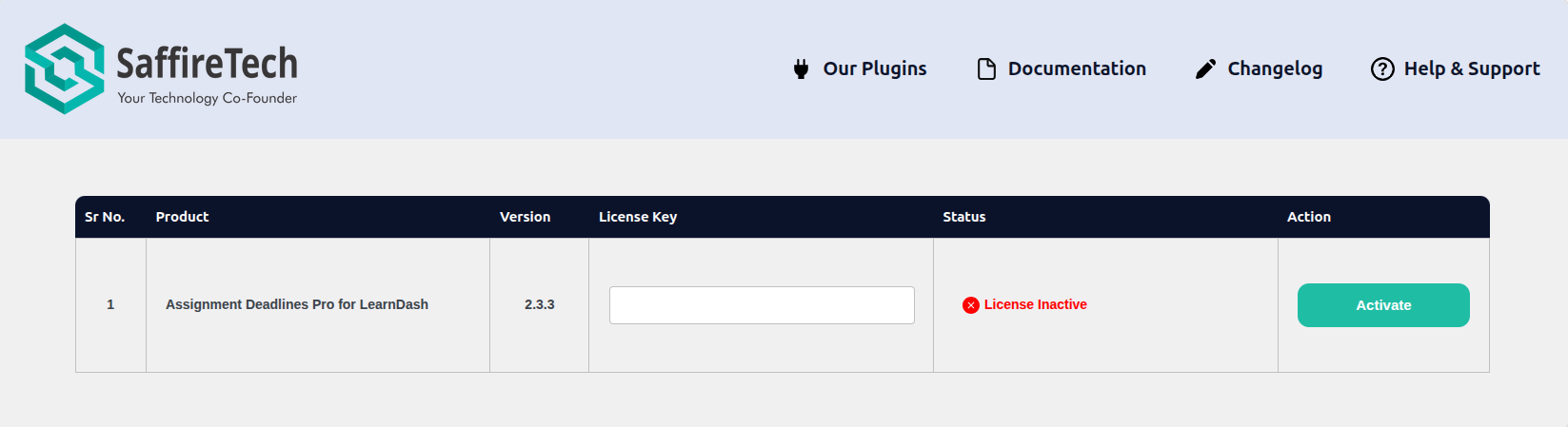
- Locate the order for Assignment Deadlines Pro for LearnDash and click on View Details & Downloads. This will take you to the Order Details page.
Step 2: Configure Lesson Settings
- After publishing, click on the Settings tab for the lesson.
- Scroll down to the Assignment Uploads section.
- Enable the Assignment Uploads option to allow students to upload assignments for this lesson.
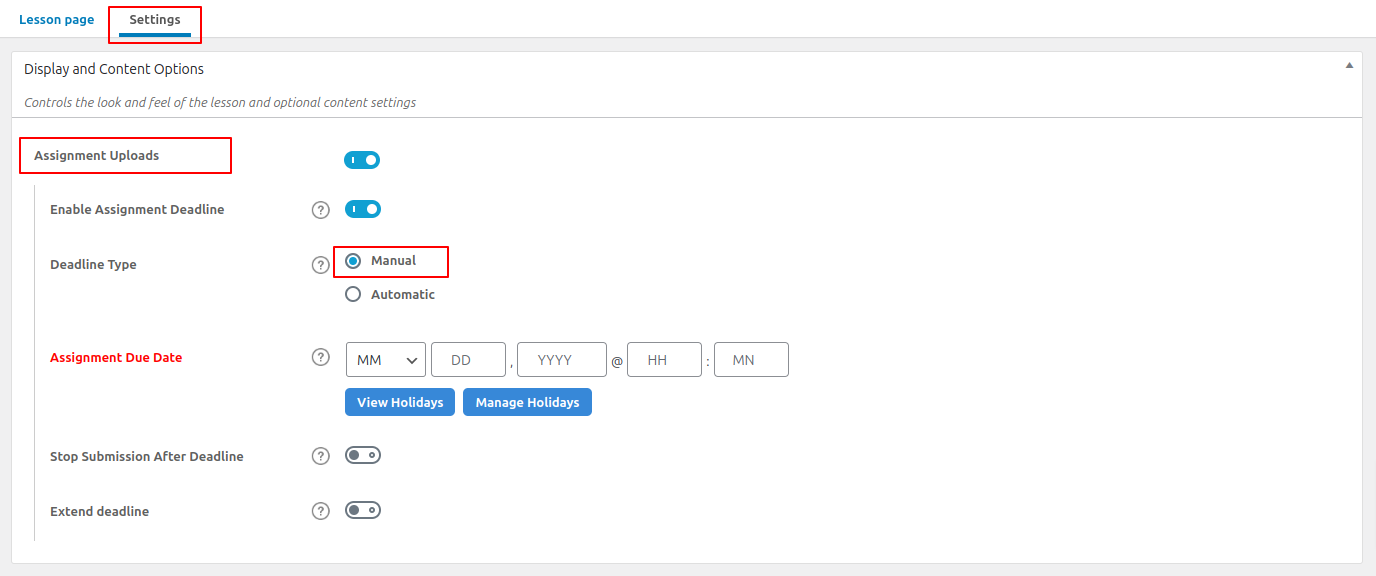
- Once enabled, you’ll see an additional setting called Enable Assignment Deadline. Toggle this on to activate deadline functionality for the assignment.
- Configure the deadline type (manual or automatic), deadline duration, and other relevant settings based on your course structure.
For a detailed explanation of these settings, refer to the Assignment Deadline Configuration article. - Additionally, you can manage holidays by setting specific dates. For a detailed explanation of these settings, please refer to the Managing Holidays Effectively with the Holiday List Dashboard article.
Your assignment deadlines are now configured and ready to use. For more details on advanced settings or related features, feel free to explore the additional guides in this documentation.
