
The Import Export Settings allow users to migrate cart messages between different sites easily.
To access these Settings, go to: Click on Cart Messages > Global Settings > Import/Export Settings
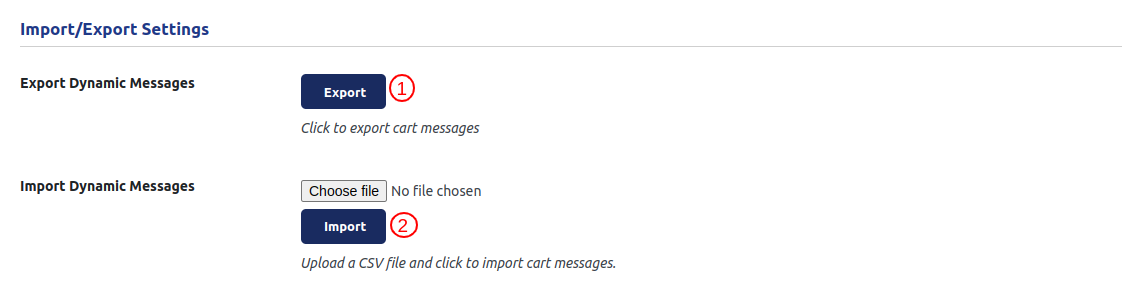
The Import Export Settings allow users to migrate cart messages between different sites easily.
Export :
- This option enables the export of all draft and published cart messages with a single click.
- The exported data is saved as a CSV file, which can be used for backup or migration.
Import :
- Upload the previously exported CSV file from another site.
- Click the “Import” button to import the messages into the current site.
