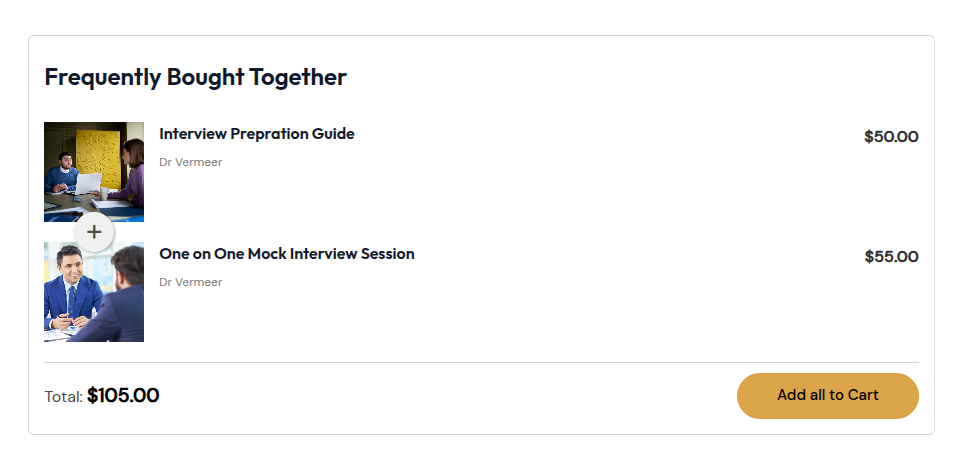
This section allows you to configure the display of the Frequently Bought Together (FBT) widget on EDD product pages associated with courses. You can also choose whether to show applied FBT discounts in customer-facing emails, receipts, and order summaries.
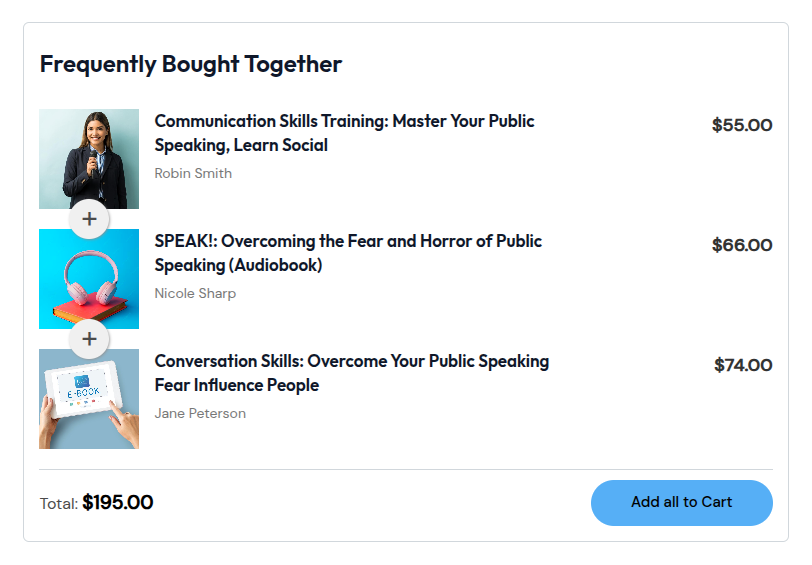
Show FBT Widget on EDD product page
If you enable this setting, FBT widget will also show up on the corresponding EDD product page that is associated with your LearnDash course.
Show FBT Discount on Emails, Receipts & Orders
By default, EDD doesn’t show discounts separately on emails, receipts and orders. If you enable this setting, then you’ll be able to show FBT discounts separately on all emails, receipts, and order dashboard.
The FBT widget on an EDD product page displays related digital products or courses along with their ratings and prices. It also includes an “Add All to Cart” button, allowing users to purchase complementary items together in a single click.