





If you have a WordPress site, you likely appreciate the importance of keeping your website secure from hackers and other mischief-makers. Here in 2025, more than ever, the digital landscape is full of risks. You don’t need to be a cybersecurity expert to keep your site safe.
There are plenty of good WordPress security plugins, which will patrol your site like good guard dogs, allowing you to concentrate on creating content instead of worrying about cyberattacks.
In this guide, we’re breaking down the top 5 security plugins for WordPress that are making waves this year. Whether you’re a total beginner or a seasoned site owner, you’ll find tools here that fit your style. Let’s keep your WordPress site strong, safe, and stress-free!
1. Sucuri
Sucuri security plugin keeps a close watch over your site, making website security simple – even if you’re not a tech expert. With the Sucuri security plugin on your side, all significant happenings around your site are tracked and the site is always monitored on the back end. If Sucuri detects any file changes, you’ll know it. The plugin intelligently detects risks and alerts you to changes before they cause widespread issues.
The Sucuri security plugin also conducts malware scans in the background and serves as a WordPress Security scanner, so you can have a clean website for all your visitors. If your site ends up on a blocklist, you’ll receive an instant alert so you can respond quickly.
In addition to monitoring, Sucuri allows you to automatically detect and block malicious bot traffic, leveraging signature-based detectionYour website’s safety is taken care of, every step of the way!
And if you are finding it difficult to properly use this security plugin for wordpress, you can consider exploring WordPress plugin developer services today!
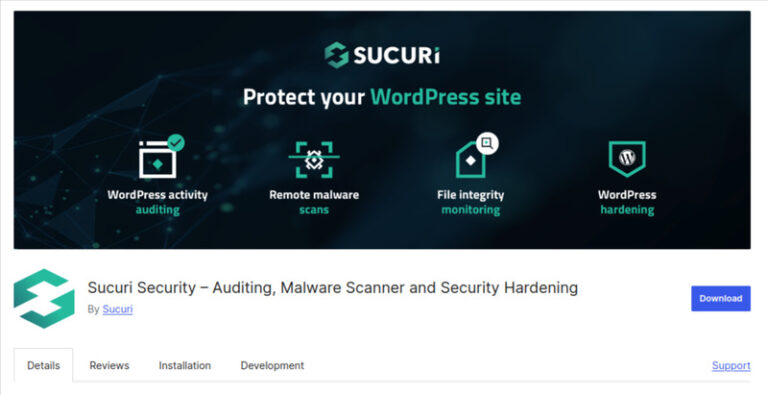
The key features of Sucuri are:
- Logs Security Events: Logs your site’s security events so you are kept up to date.
- Logs File Changes: Lets you know if your files are changed or tampered so you can spot any suspicious activity.
- Does Malware Scanning: Regularly scans for malware to prevent malware from being used to breach your site.
- Blocklist alerts: Alerts you right away if your website is placed on a blocklist, allowing you to do something quickly to remediate the situation.
Pros:
- Simple and user-friendly—even if you’re not tech-savvy.
- Offers a solid mix of features to guard your site from different threats.
Con:
- Some advanced options may require you to upgrade to the paid version.
Pricing: Sucuri is available for free. Its premium version starts from $ annually.
2. Wordfence
Introducing Wordfence: your round-the-clock security guard for WordPress. Powered by its strong firewall, Wordfence also detects and blocks suspicious visitors before they can do any harm. Custom built for WordPress, it runs right out of your website, meaning it provides good peace of mind without slowing you down or compromising your privacy.
Once you are able to log into your site without intervention, you can then use the WordPress Security Scanner to compare suspicious files against your core files, themes and plugins. You could even fix or restore tampered files with a few clicks. Rest assured, the Wordfence security plugin will notify you the second it encounters anything like bad code, out-of-date plugins or security vulnerabilities, so you’re always informed.
And offer login security with 2-Factor Authentication and CAPTCHA for foolproof secure logins. If you want a no-nonsense security plugin for WordPress, that keeps your website safe from brute force attacks, malware, and more, Wordfence security plugin has you covered without the technical headaches.
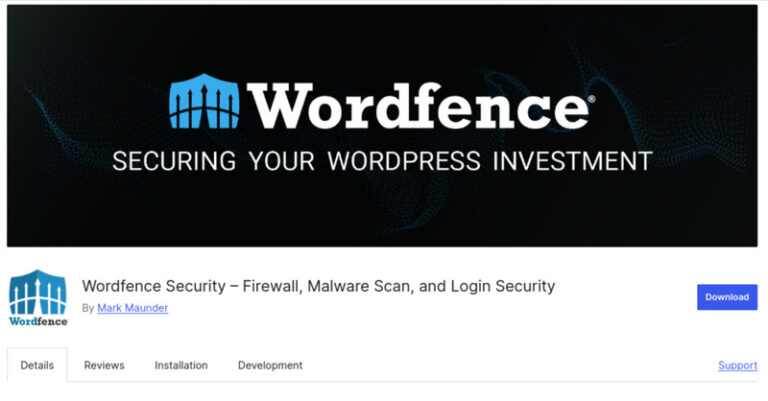
Top features of Wordfence are:
- Smart Firewall Protection: Blocks malicious traffic and protects from hackers with a WordPress specific firewall.
- Malware Scanning: Scans every theme, plugin, and core file of your WordPress website for malware or suspicious changes. Also gives you the ability to repair or restore your files.
- Two-Factor Authentication (2FA): Adds another login stage to make it that much harder for anyone to access your site.
- Brute Force Attack Protection: Limits login attempts and uses CAPTCHA to stop the bots to keep your login page safe from bad actors.
Pros:
- Operates solely on your own website, ensuring no privacy concerns or traffic rerouting.
- Real-time notifications provide alerts of new potential threats and/or suspicious site activity.
Con:
- Some of the advanced features (real-time updates, IP blocklists) are premium or you must have a paid plan.
Pricing: Wordfence is available free of cost. Its premium version starts from $149 annually.
Struggling to decide which WordPress Security Plugin is best for your needs?
Explore our WordPress plugin development services today!3. MalCare
MalCare operates as a security staff box within your WordPress site, without weight or trouble. It has a cloud-powered scanner that digs deep into your site to locate the malware threats that most spies malware would prefer not be recognizably active at all. In addition, you will receive instant alerts on any possible security actions.
If your site ever gets hacked, MalCare jumps into action and cleans everything up fast usually within a minute, removing all traces of malware. Plus, it offers unlimited hack cleanups, so you’re never left in the dark. Furthermore, it prevents nasty bots from attacking your login page, stops malicious traffic, and allows you to lockdown your site by blocking entire countries if you like.
The plugin is so easy to set up – you create an account, configure your settings once, and then forget about it while it works in the background protecting your site. And if you ever need help, their support is fast, friendly, and always willing to jump in!
This makes MalCare one of the most reliable WordPress Security Plugins free for basic use, with advanced paid upgrades available for those who want stronger defenses.
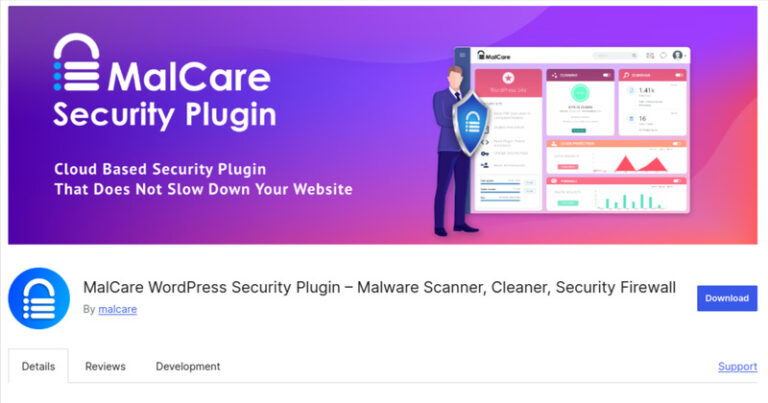
Best features of MalCare are:
- Deep Cloud-Based Malware Scanner: Scans your site thoroughly without slowing it down, catching even the most hidden and complex malware.
- Instant Malware Cleanup: Cleans your site fast—usually within a minute—removing every trace of malware for good.
- Blocks Malicious Traffic: Stops hacker bots from attacking your login page and blocks harmful visitors before they cause trouble.
- Easy Setup and Management: Get started in just 60 seconds, set your security once, and let MalCare handle the rest with minimal upkeep.
Pros:
- Doesn’t affect your site’s speed while keeping it securely scanned.
- Unlimited hack cleanups mean you’re always covered, no matter what.
Con:
- Some advanced features, like country blocking, might feel a bit overwhelming for complete beginners at first.
Pricing: MalCare is available for free. Its Pro version starts from $149 annually.
4. All-in-One Security
All-in-One Security is a powerhouse security plugin for WordPress website that covers almost every angle to keep your WordPress site safe and running smoothly. It protects your login area by blocking bots and locking out users after too many failed attempts, plus it offers two-factor authentication for an extra layer of defense.
All-in-One Security plugin monitors your site for suspicious changes and lets you block access to sensitive files. Its built-in firewall follows trusted security rules to stop threats like fake Google bots and other sketchy traffic.
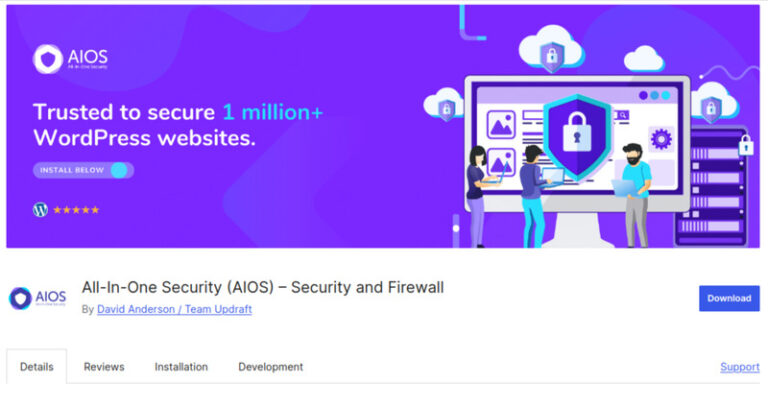
The top features of All-in-One Security are:
- Login Protection: Prevents bots and locks out users when they experience too many login attempts, while letting you add two-factor authentication for a secure login experience.
- File and Database Monitoring: Alerts you to unexpected changes in files and database so that you can block access to certain files.
- Powerful Firewall: Blocks fake bots and harmful traffic using trusted security rules before it reaches your site.
- Spam Protection: Automatically stops repeated spam comments by blocking the responsible IPs so that you can focus on running your site.
Pros:
- Offers a wide range of security features all in one place.
- Reduces spam and attacks to keep your site running smoothly.
Con:
- As it offers many features, it may clutter your dashboard.
Pricing: All-in-One Security is available for free. Its pro version starts its pricing from $70 annually.
5. Solid Security
Solid Security is your straightforward solution for making WordPress logins much safer without complicating things. It helps you lock down user access and quickly implement strong password policies so that your site is protected from simple hacks.
The most important feature of this product is two-factor authentication which gives another layer of security by adding additional steps (usually a code from an app or email) to allow people into your site.
It also applies patches to your vulnerabilities before they become a real headache – often faster than plugin developers can. If you want to boost your WordPress login security with simple but powerful tools, Solid Security is a strong security plugin for WordPress worth considering.
If you are finding it difficult to choose between the security plugin, reach out to a professional who’s experienced in the plugin development services today!
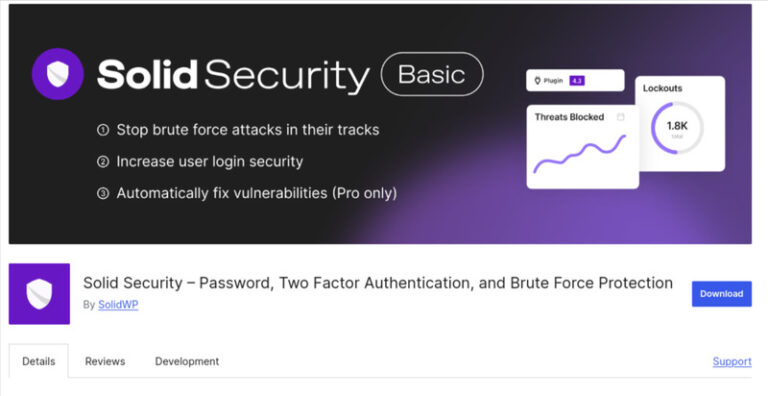
Top features of Solid Security are:
- Two-Factor Authentication (2FA): Provides an extra layer of protection on your login, by requesting for a security code from an app like Authy or Goggle Authenticator, or through your email or given backup codes.
- Password Policy Enforcement: Allows you to easily create rules so the users will make strong and secured passwords that meet the standards of your site.
- Passwordless Log-In (Pro): One-click log in for real human users, who are kept secure.
- Automated Vulnerability Fixing (Pro): Security vulnerabilities are automatically fixed in your plugins and themes, before hackers have an opportunity to exploit them.
Pros:
- Easy to set up and very straightforward to use even if you’re not particularly techy.
- Offers powerful security features that really protect your login area.
Cons:
- Some of the best features, like passwordless logins and automatic patches, are only available in the paid Pro version.
Pricing: Solid Security is available for free. Its premium version starts from $99 annually.
Wrapping Up!
As we have discussed, keeping your WordPress site secure in 2025 does not need to be difficult. The 5 best WordPress Security Plugins Sucuri, Wordfence, MalCare, All-in-One Security and Solid Security all offer amazing features, from strong firewalls and malware scanners, to login protection and fixes that really make them easy to manage.
No matter if you are a beginner or an experienced site owner, there is certainly a plugin here designed to make your life easier and site more secure, and, depending on your requirements and comfort with technology, you can pick the plugin that will work best for your needs. If you decide to go for either free or premium of any of these WordPress Security Plugins, we are sure you will have peace of mind in a forever changing online world.